
2026年10月30日
PHP2Shell: What Happened, and What It Means for Your Website
About 70% of the web runs on PHP. So when two critical PHP bugs went public last week, roughly 70% of the web was suddenly exposed. That includes WordPress, along with a surprising number of routers, firewalls, and admin panels. PHP isn't the cool choice anymore, and new sites tend to go on Wix, Shopify, or a modern JavaScript stack. But if your business site is a few years old, or anyone has ever mentioned WordPress to you, odds are it's PHP.
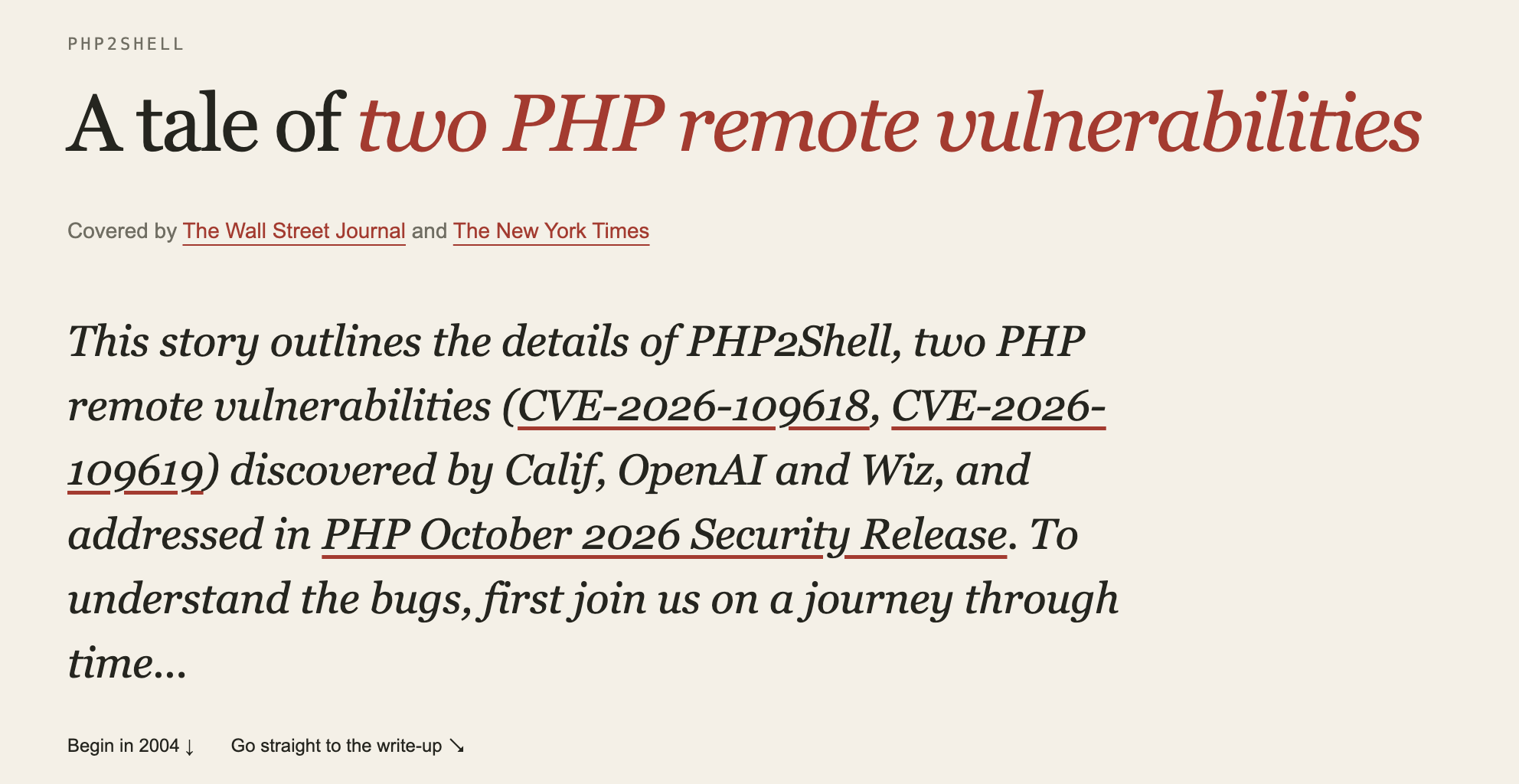
The bugs are called PHP2Shell (CVE-2026-109618 and CVE-2026-109619), and the name says it all. Send the right request to a vulnerable server, and you get a shell on it. No login, no password, no one clicking a bad link. I've spent the week reading the advisories and the original research, so here's my attempt at explaining what happened in plain language, and more importantly, what you should actually do about it.
The short version
Researchers at Calif found two ways to crash PHP in the middle of setting up a web request, and then abuse the mess it leaves behind. They reported it to the PHP team in August, and a fix was scheduled for October 22. Then the details leaked on social media on October 20, and things moved fast.
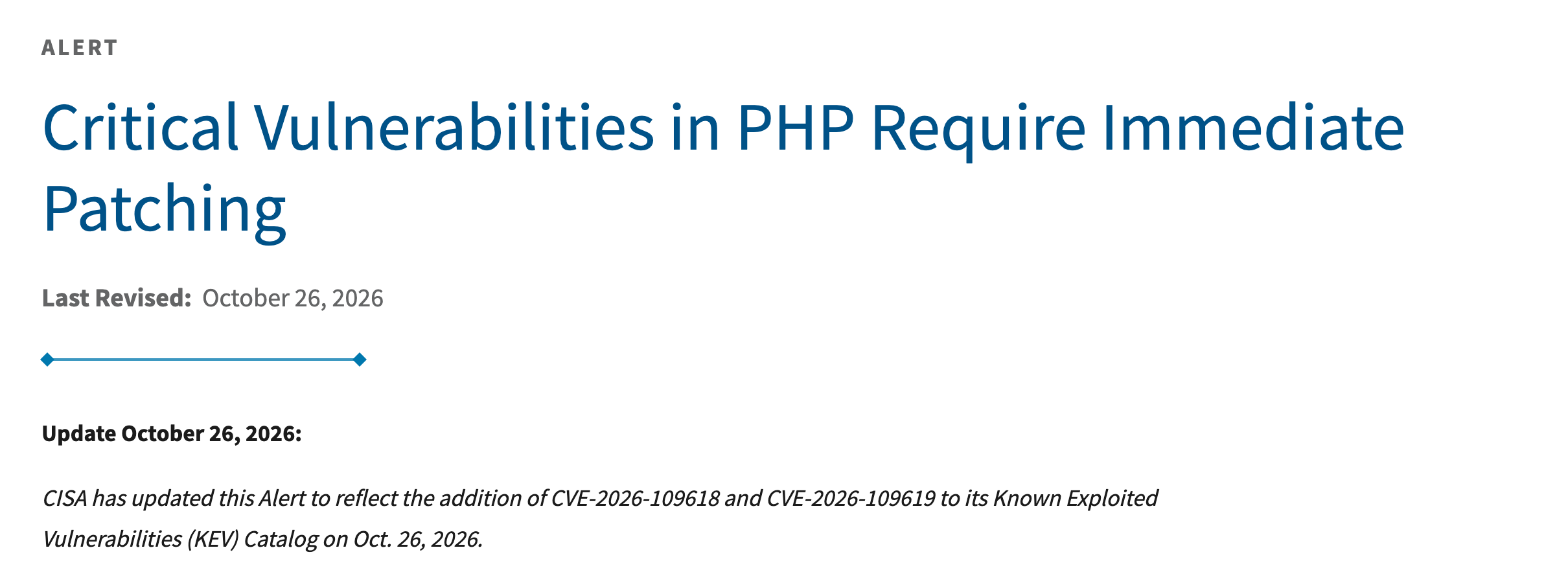
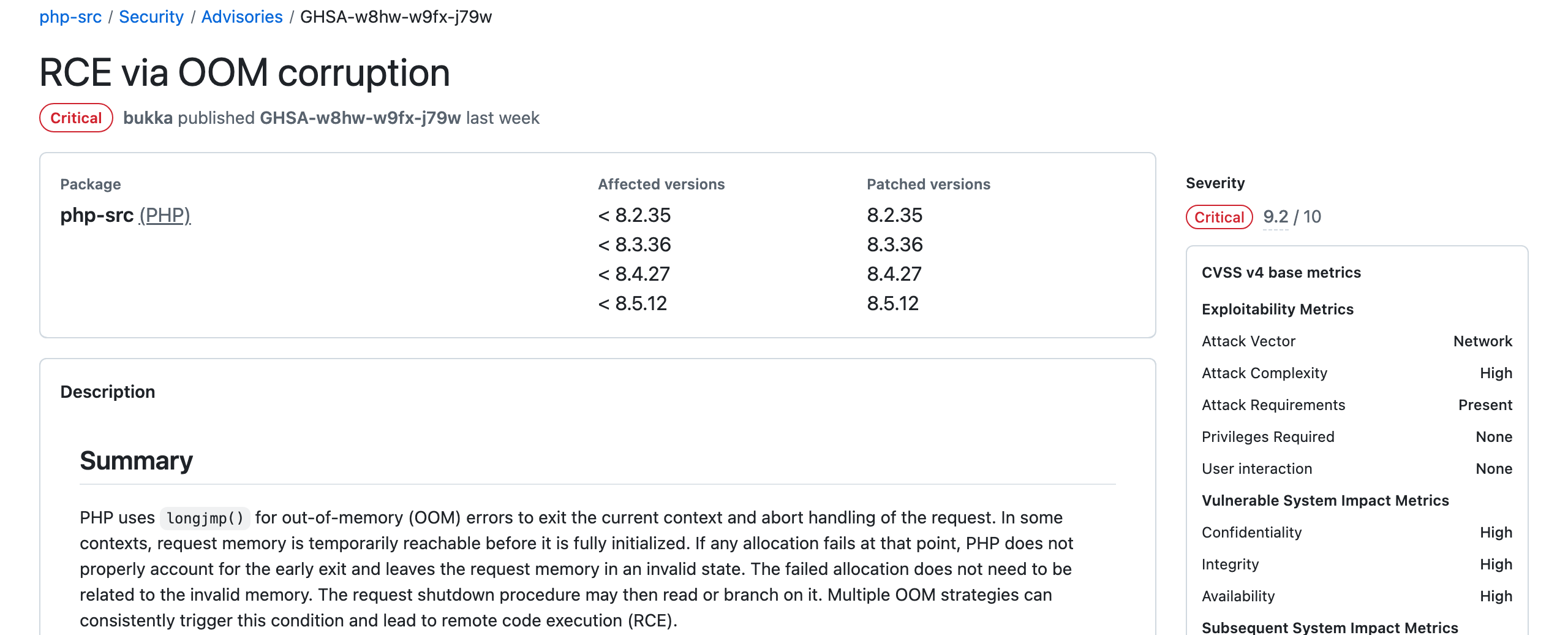
PHP shipped patched versions on October 21: 8.5.12, 8.4.27, 8.3.36, and 8.2.35. Amazon later said its honeypots had seen an exploitation attempt as early as October 17, nearly a week before the patch was public. By October 26, the US cybersecurity agency CISA added both bugs to its list of vulnerabilities known to be exploited in the wild, which is about as loud as a security alarm gets.
What's actually going on under the hood
Every time someone visits a PHP page or submits a form, PHP does some setup before your website's code even runs. It reads the incoming data and sorts it into tables, like the list of form fields and the list of uploaded files. PHP also has a memory limit per request (128MB by default), and if a request goes over it, PHP stops everything and cleans up.
The first bug is about the order of operations in that setup. When PHP adds a new entry to one of those tables, it bumps the entry count first and writes the entry's name second. If memory runs out exactly between those two steps, the request dies, but the cleanup code sees a table that claims to have one more entry than it really does. It then tries to tidy up an entry that was never finished, and it trusts whatever garbage happens to be sitting in that slot.
The obvious question is how an attacker makes memory run out at exactly the right moment. This is where the research gets clever. PHP checks the size of an upload against the size the request says it is, not the bytes it actually receives, so a request sent in chunks can slip past that limit. On top of that, upload fields with an empty filename don't count as uploads, but PHP still builds several table entries for each one. Combine that with deeply nested field names, and a request under 8MB can fill the whole 128MB budget, with the attacker choosing which allocation is the one that tips it over.
The second bug is a classic "use after free." PHP's session upload progress feature (the thing that lets a page show a progress bar for uploads) starts tracking session data while the upload is still being read. If the request crashes at that point, PHP frees the memory but never clears the session feature's pointers to it. Those pointers now point at memory that will be reused for something else. The attacker then sends a second request to the same PHP process, and the cleanup code follows those stale pointers into memory the attacker has since filled.
Why some servers were worse off than others
PHP can sit behind a web server in a few different ways, and that turned out to matter a lot.
With Apache's mod_php, PHP lives inside the Apache process itself. When the setup crashes, that process cleans up and keeps going, then serves the next visitor with the stale state still in memory. That's exactly what both attacks need, and it all happens before any of your website's own code runs. So even a blank PHP page was enough.
With PHP-FPM, which most modern setups use, a crash during setup kills the worker outright, so the stale state dies with it. That blocked the easy path. But the researchers found a second route that crashes PHP slightly later, while it's decoding saved data, and in that case the FPM worker survives. That route needs the website to decode stored data somewhere, which is common. Session handling does it, and so does WordPress. Wiz showed working attacks against WordPress, Drupal, and Joomla, plus a separate path that could leak passwords, API keys, and certificates straight out of server memory.
How it was handled, and where things stand
The PHP Foundation ran a confidential embargo, so big hosting companies and Linux distributions got patches ahead of time and could move the moment it went public. Security vendors also pushed out firewall rules to block the attack while everyone else caught up. TechCrunch reported a few days later that the internet had broadly avoided mass exploitation, which is a sentence I was happy to read.
But it's not over. Cloudflare's CEO described an exponential jump in exploit attempts after disclosure, and proof of concept code is now public on GitHub, so anyone can try it. On October 23, PHP also disclosed a third bug, though it only affects unusual setups. And the systems most likely to stay vulnerable are exactly the ones nobody is watching: old servers, forgotten staging sites, and anything running PHP 8.1 or older, which no longer gets official updates.
That last group worries me the most, and I think it's going to keep growing. It has never been easier to put something online. You can spin up a WordPress site with one click from a hosting panel, install a dozen plugins in an afternoon, or have an AI tool build you a working app over a weekend. I use these tools every day, and they're great. But they make the building part feel finished, when really it's only the start.
A website or app isn't a poster you hang once. It's software running on a server that the whole internet can reach, and the pieces underneath it (PHP, plugins, libraries, the server itself) keep getting security fixes long after launch. When building something took a team and a budget, there was usually someone whose job included keeping it updated. Now it's often one person, or a freelancer who finished the project and moved on, and nobody is quite sure who's responsible. The site keeps working, so nobody touches it, and that's exactly how a server ends up running a PHP version that stopped getting fixes years ago.
Big companies have security teams watching for this stuff. A small shop with a WordPress site built five years ago usually doesn't, and the attackers don't care how small you are. They aren't choosing targets. Their tools sweep the whole internet looking for anything unpatched.
What you should do if you own a website
You don't need to understand any of the technical part above to protect yourself. Here's what I'd do, depending on your setup.
If your site is on Wix, Squarespace, or Shopify
You can mostly relax. Those platforms don't run your site on PHP, and keeping their servers patched is their job, not yours.
If your site is on WordPress or a rental server
Log into your hosting control panel and check which PHP version your site is on. Most panels show this clearly. If it's older than 8.2, move it to a supported version (test your site afterward, since very old themes and plugins sometimes break). If you're not sure where to look, email your host and ask two things: what PHP version is my site running, and has the PHP2Shell patch been applied? A good host will answer that in one line.
If someone built your site for you
Send your developer or agency the same two questions. If they can't answer, or you don't have anyone to ask anymore, that's the real problem to fix, and it's bigger than this one bug.
If you run your own server
Update to 8.5.12, 8.4.27, 8.3.36, or 8.2.35, or install your Linux distribution's patched package. Then restart PHP-FPM or Apache. This step gets skipped more than you'd think, and until you restart, the old code is still the one running. If you can't patch right away, the official guidance is to set session.upload_progress.enabled to Off in php.ini, put the site behind a web application firewall, or take it offline until you can. PHP itself says no configuration change fully fixes this, so treat those as a bandage, not a cure.
How to tell if you were already hit
Patching closes the door, but it doesn't tell you whether someone walked in before you closed it. If your site was exposed between mid October and whenever you patched, a few things are worth checking.
Look for PHP or web server processes starting things they normally never would, like a shell, curl, wget, or Python. That's the clearest sign of a successful attack. Check your website's folder for new files you didn't add, especially PHP files with random names. Check for new scheduled tasks and new admin accounts in your CMS. And because one of the attack paths could leak secrets from memory, it's worth rotating your database password, API keys, and payment or email credentials if you were unpatched for any real length of time. It's an annoying afternoon, but much less annoying than finding out later.
If you do find something, don't just delete it. Save your logs first, then get help. Cleaning up a compromised server without understanding how they got in usually means they get back in.
The bigger lesson
What strikes me about PHP2Shell is how old the underlying problem is. A related memory limit bug was found back in 2004, and a version of this issue was spotted in 2024 but wasn't considered exploitable. It took a determined team in 2026, with some help from AI tools, to show it was. I think we're going to see more of this. Old, widely used software is getting a second, much sharper look, and bugs that sat quietly for years are going to keep surfacing.
You can't control when that happens. What you can control is how fast you can respond. That mostly comes down to three boring things: knowing what software your website runs on, having someone responsible for updating it, and keeping backups you could actually restore from. None of it is exciting, but it's the difference between a five minute fix and a very bad week.